
Loading...
August 12, 2026

This one started with a computer that appeared to be running normally, but wasn't sending a signal to either monitor.
Before scheduling an onsite visit, we walked through some of the simple things that can cause the same problem. A loose cable, something accidentally unplugged, or a monitor on the wrong input can look like a much bigger computer problem. We always like to rule those things out first when we can, rather than send a technician onsite and charge for something that could have been fixed in a few minutes.
Unfortunately, this one wasn't going to be that easy.
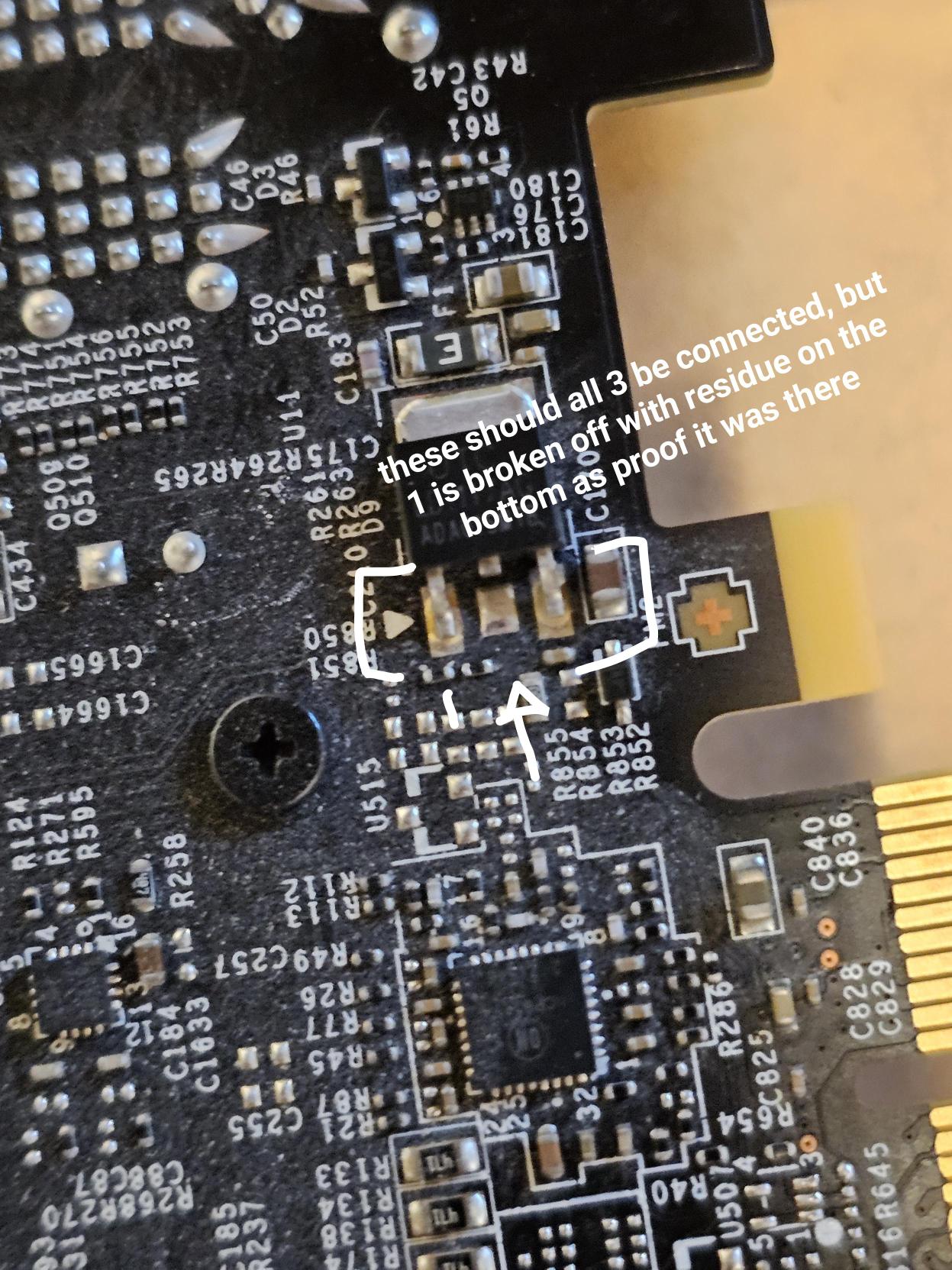
The computer had a clear case, and the customer mentioned that the internal lights were cycling from yellow to red to white. Devyn went onsite and diagnosed a failed graphics card. We ordered a replacement GPU, a Gigabyte 4060, and scheduled a return visit to install it.
But after the new GPU went in, the computer still wasn't working.
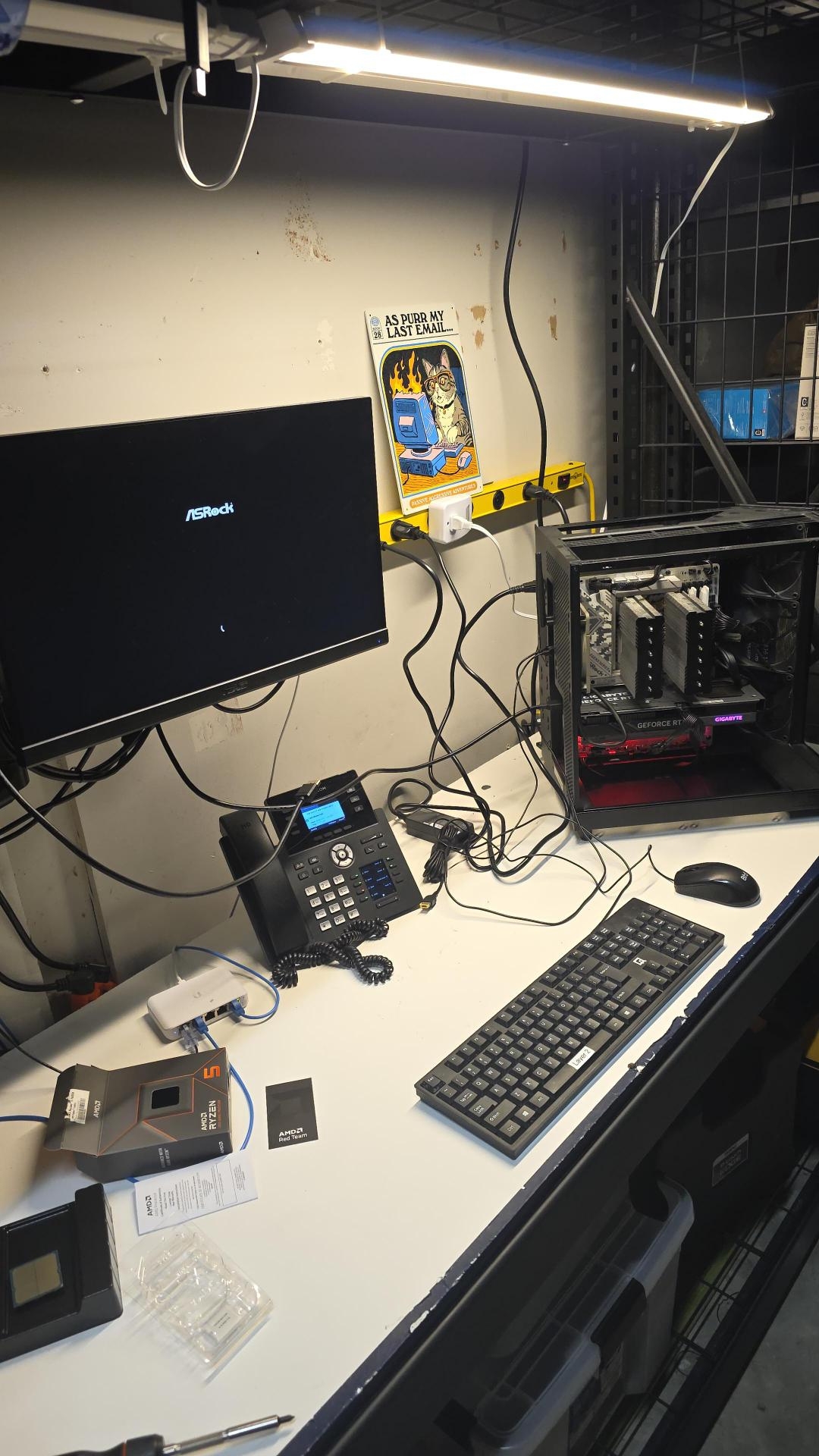
Further troubleshooting found that the AMD Ryzen 5 7600X processor had also failed. At that point, Devyn brought the tower back with him so we could finish the repair at our shop rather than spending additional time troubleshooting onsite.
And the storm wasn't quite finished with this computer yet.
As we worked through the remaining issues, we found that the motherboard also needed to be replaced. Ultimately, the GPU, CPU, and motherboard had all been damaged by a power surge during the recent storms.
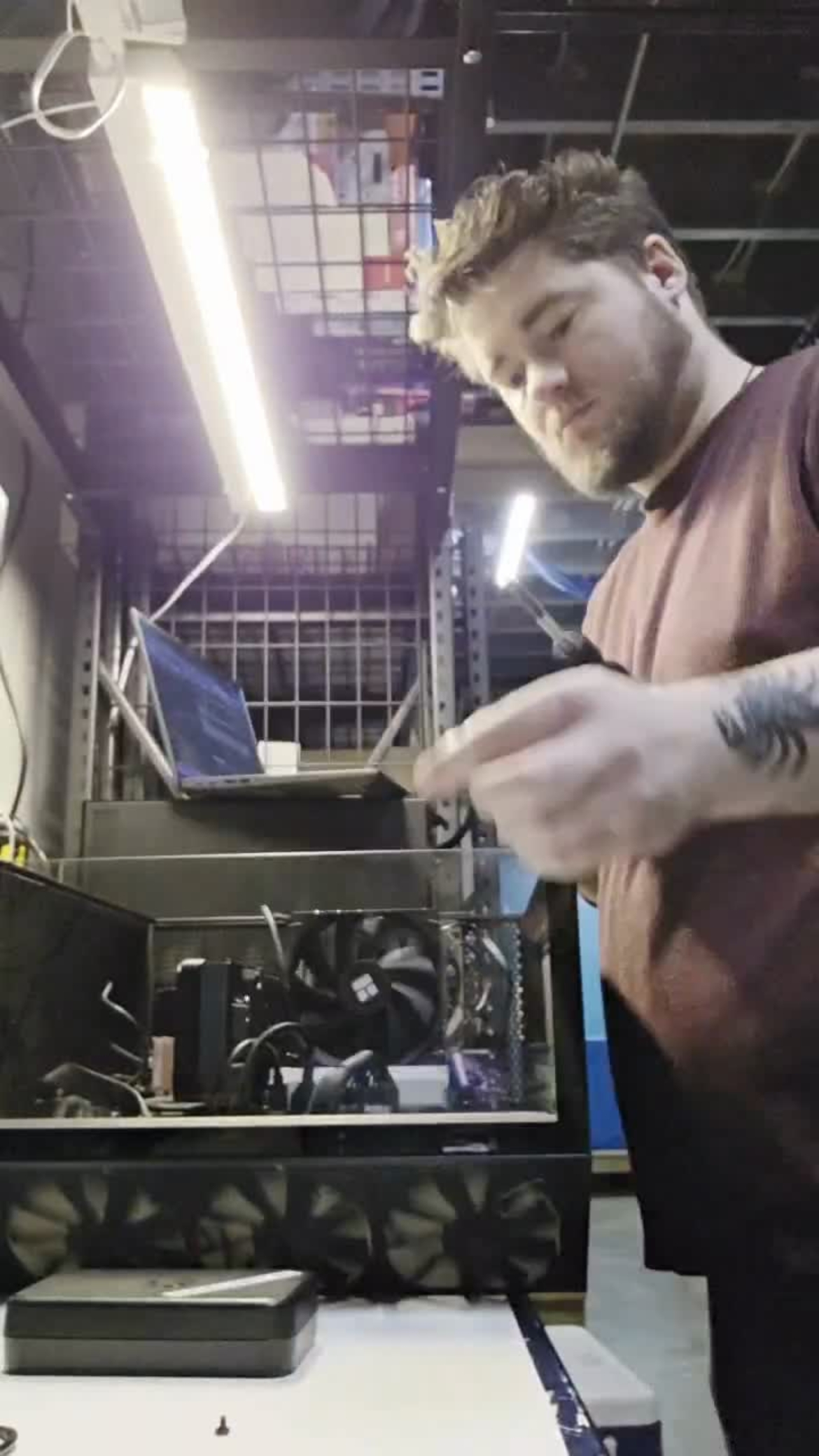
With all of the damaged components identified and replaced, Devyn rebuilt the system, tested everything, and got the computer back up and running properly.
The time-lapse gives you the much faster version of that process. In real life, there was a little more troubleshooting involved.
The end result: a working computer, all failed components replaced, and one more reminder that power surges can do a lot more damage than you might see at first glance.


