
Loading...
March 2, 2026

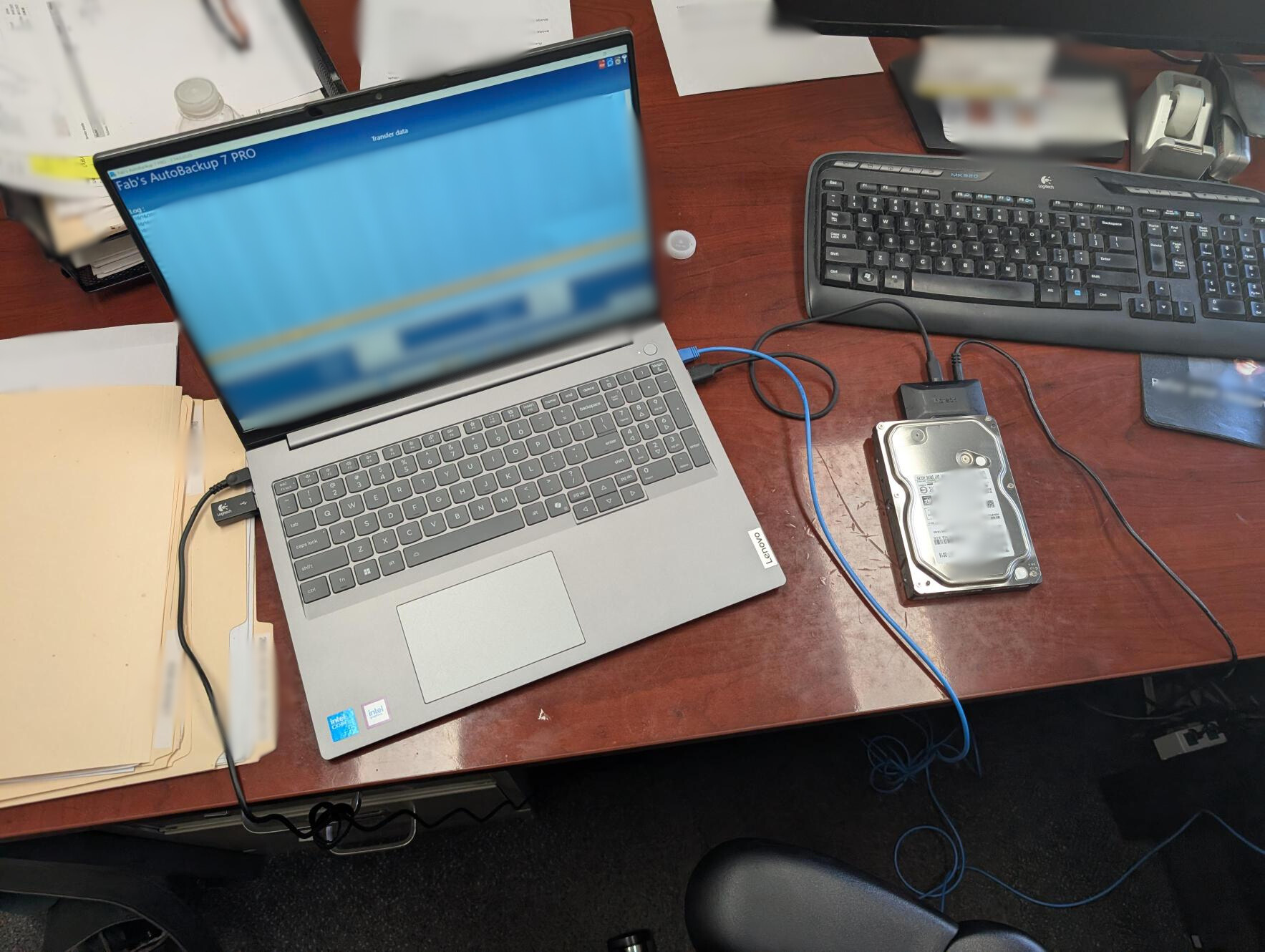
Sometimes a “new laptop” project is simple.
And sometimes it’s a little more strategic than that.
Our client was ready for an upgrade, but there was one important piece of the puzzle: older software that runs from the server to the desktop. Before we swapped everything out, we needed to make sure that software would behave nicely on the new machine.
So instead of just replacing the computer and hoping for the best, our tech set up a test run first.
We prepped the new laptop, connected it to the network, and began migrating data from an older traditional hard drive to a much faster solid-state drive. That alone is a huge performance boost. SSDs do not just make things feel faster, they dramatically improve load times, responsiveness, and overall reliability.
Because we were moving data from an older HDD to an SSD, we let the migration run overnight. Large transfers take time, and we prefer patience over rushing something that holds important business data. The next morning, we wrapped up configuration, verified the data, and continued testing the legacy software against the new setup.
The plan was simple:
• If the software works smoothly on the new laptop, we move forward with replacing the old system.
• If it does not, we hold steady until January when they transition to new software.
No surprises. No unnecessary disruption. Just a smart, controlled upgrade.
Projects like this are a good reminder that IT is not just about installing new hardware. It is about planning around your workflow, your software, and your timing so your business keeps running smoothly.
If you are wondering whether your current systems are ready for an upgrade, or if you are juggling old software with new hardware, let’s talk. We will help you make a plan that actually makes sense for how you work.


